

Appearance
Configuration reference
For merchants
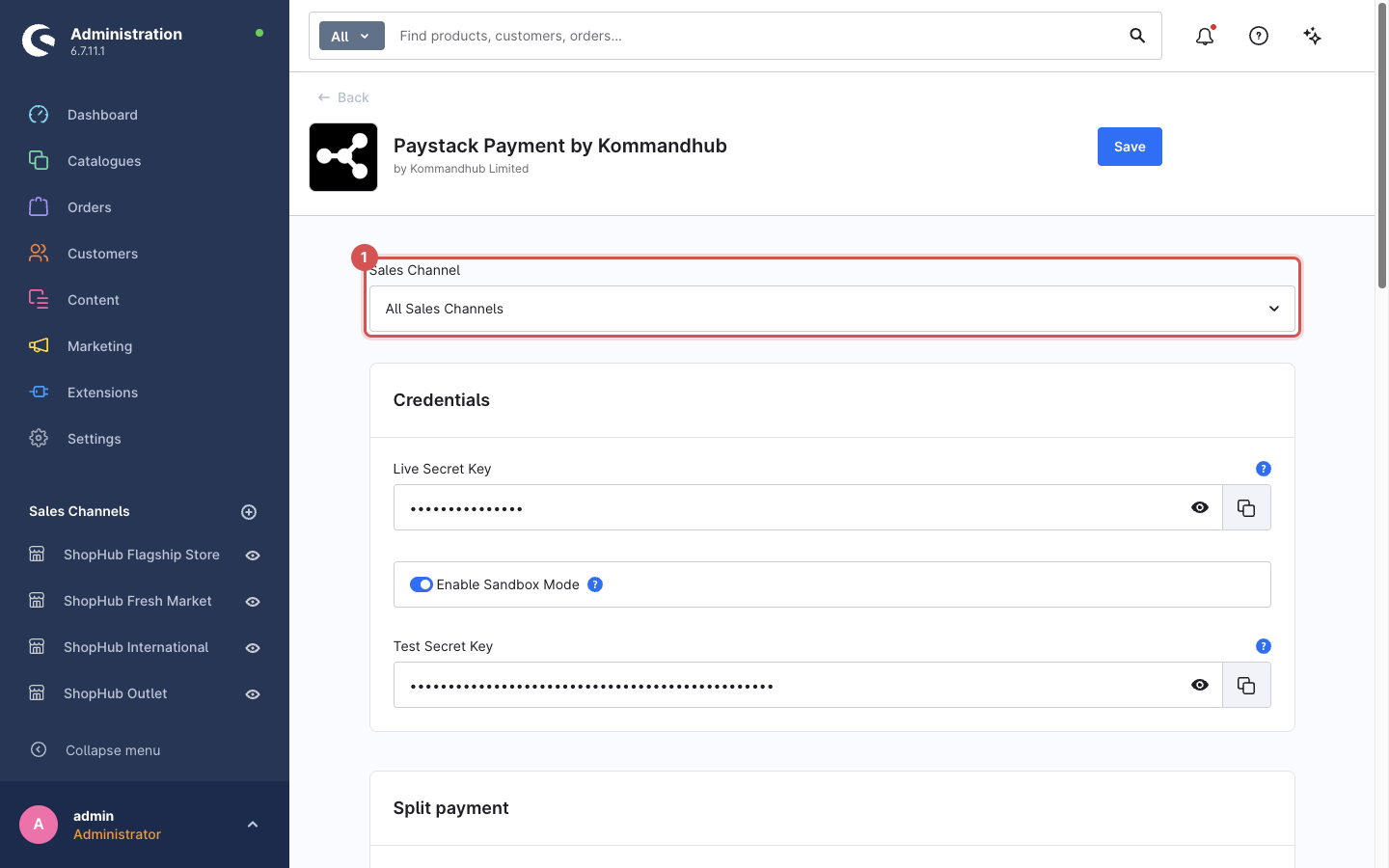
Where: Extensions → My extensions → Paystack Payment by Kommandhub → Configure Stored as: KommandhubPaystackSW.config.<key> in Shopware's system configuration Scope: every setting can be set per sales channel. Use the sales-channel selector at the top of the configuration screen; a field left untouched inherits the All Sales Channels value. Exceptions are noted below.
Open the settings
- In the Administration, click Extensions (you land on My extensions).
- On the Paystack Payment by Kommandhub row, click Configure.
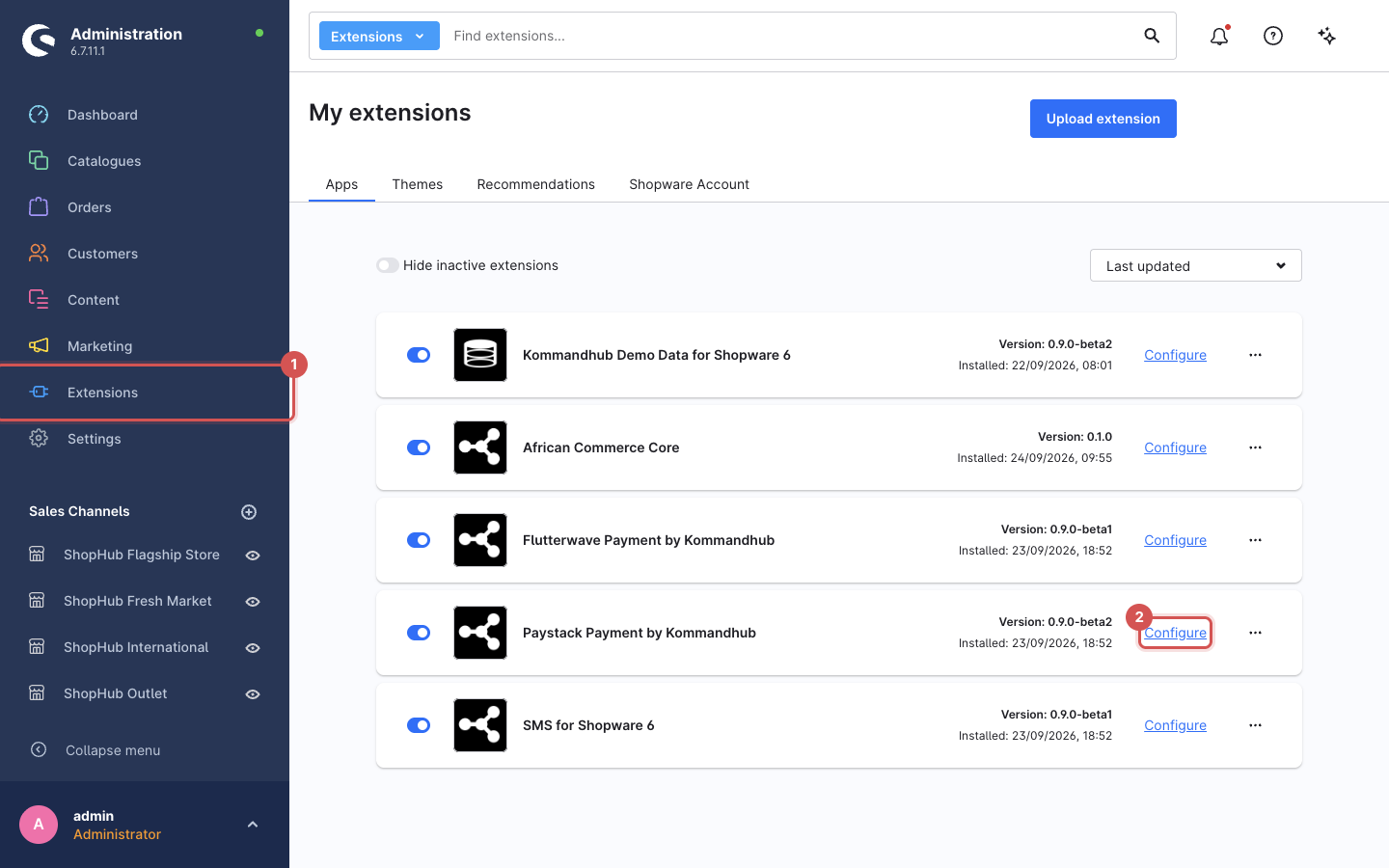
The settings are grouped in cards. The sales channel selector at the top decides whether you edit the defaults (All Sales Channels) or the values for one sales channel. Click Save at the top right when you are done.
Credentials
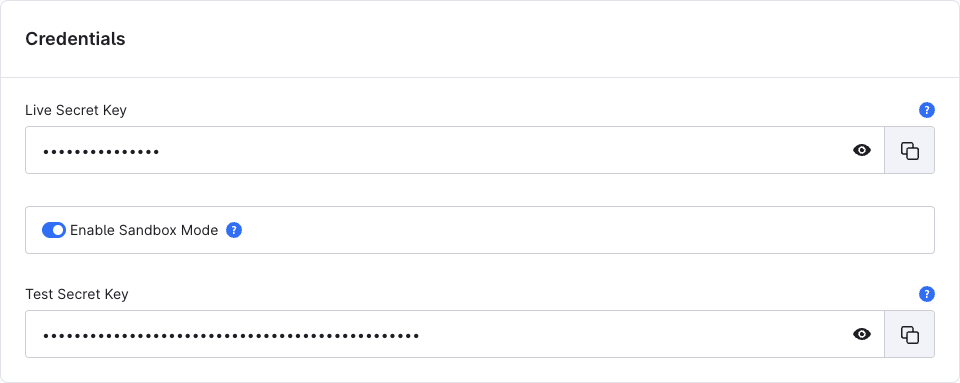
While you test, keep Enable Sandbox Mode on and fill only the Test Secret Key. To go live, fill the Live Secret Key and switch sandbox mode off. Get both keys in your Paystack dashboard under Settings → API Keys & Webhooks. The fields are masked; click the eye icon to check what you pasted.
| Setting | Key | Type | Default | Description |
|---|---|---|---|---|
| Live Secret Key | apiSecretKey | Password | — | Your live secret key, sk_live_…. Used when sandbox mode is off. |
| Enable Sandbox Mode | enableSandbox | Toggle | Off | Use the test key and Paystack's test environment. No real money moves. |
| Test Secret Key | apiSecretKeySandbox | Password | — | Your test secret key, sk_test_…. Used only in sandbox mode. |
Required: the secret key for the active mode. Without it, checkout is blocked for this payment method with "Paystack is not configured correctly. Please contact the shop owner." and an error is logged.
Webhooks are verified with the secret key of the active mode as saved on All Sales Channels — per-sales-channel overrides are not used for webhook verification.
Split payment
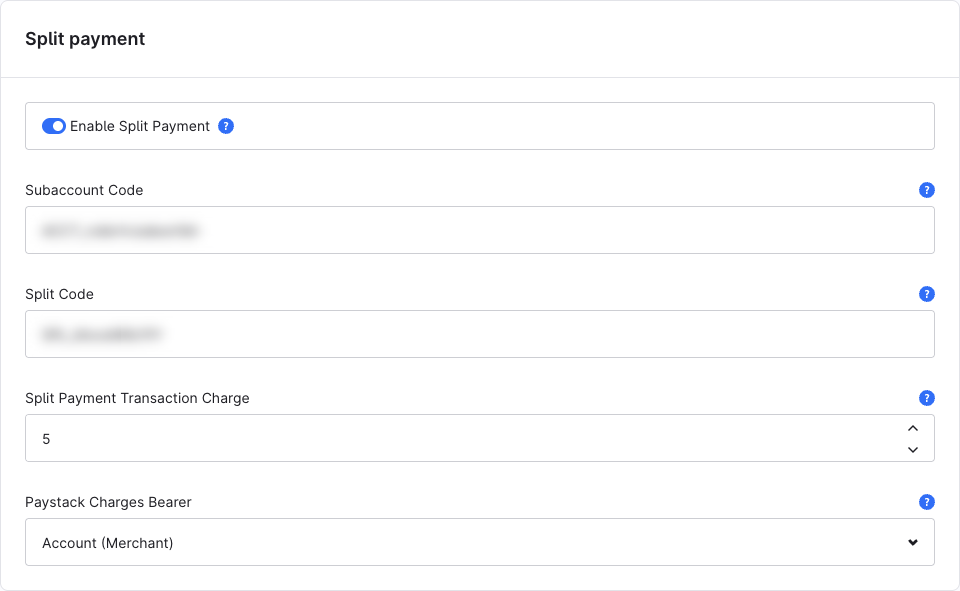
Split payments send part of each payment to another Paystack account. Set up subaccounts or split groups in your Paystack dashboard first.
| Setting | Key | Type | Default | Description |
|---|---|---|---|---|
| Enable Split Payment | enableSplitPayment | Toggle | Off | Add split parameters to every payment. |
| Subaccount Code | subaccountCode | Text | — | ACCT_… — the subaccount that receives a share. |
| Split Code | splitCode | Text | — | SPL_… — a split group. Takes precedence over the subaccount code if both are set. |
| Split Payment Transaction Charge | splitPaymentTransactionCharge | Integer | — | A flat amount the subaccount is charged per transaction, overriding the percentage set on the subaccount. Enter it in the order currency's main unit (e.g. 100 = ₦100 on an NGN order); the plugin converts it. Ignored when 0 or empty. |
| Paystack Charges Bearer | paystackChargesBearer | Select | — | Who pays Paystack's fees: Account (you) or Subaccount. Empty leaves Paystack's default. |
Split parameters are only sent when split payment is enabled and a subaccount or split code is set. Read Paystack: Split payments and Multi-split payments to decide which one you need.
Meta information
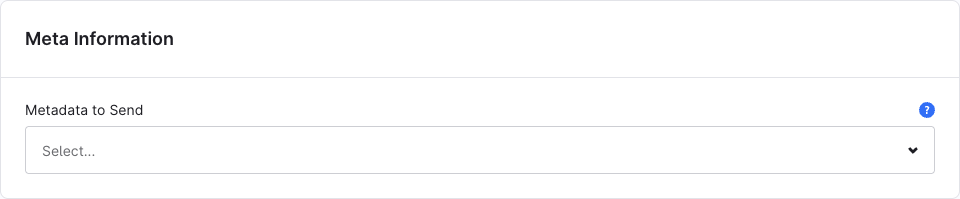
| Setting | Key | Type | Default | Description |
|---|---|---|---|---|
| Metadata to Send | metaData | Multi-select | none | Extra order details attached to the Paystack transaction and shown in your Paystack dashboard. |
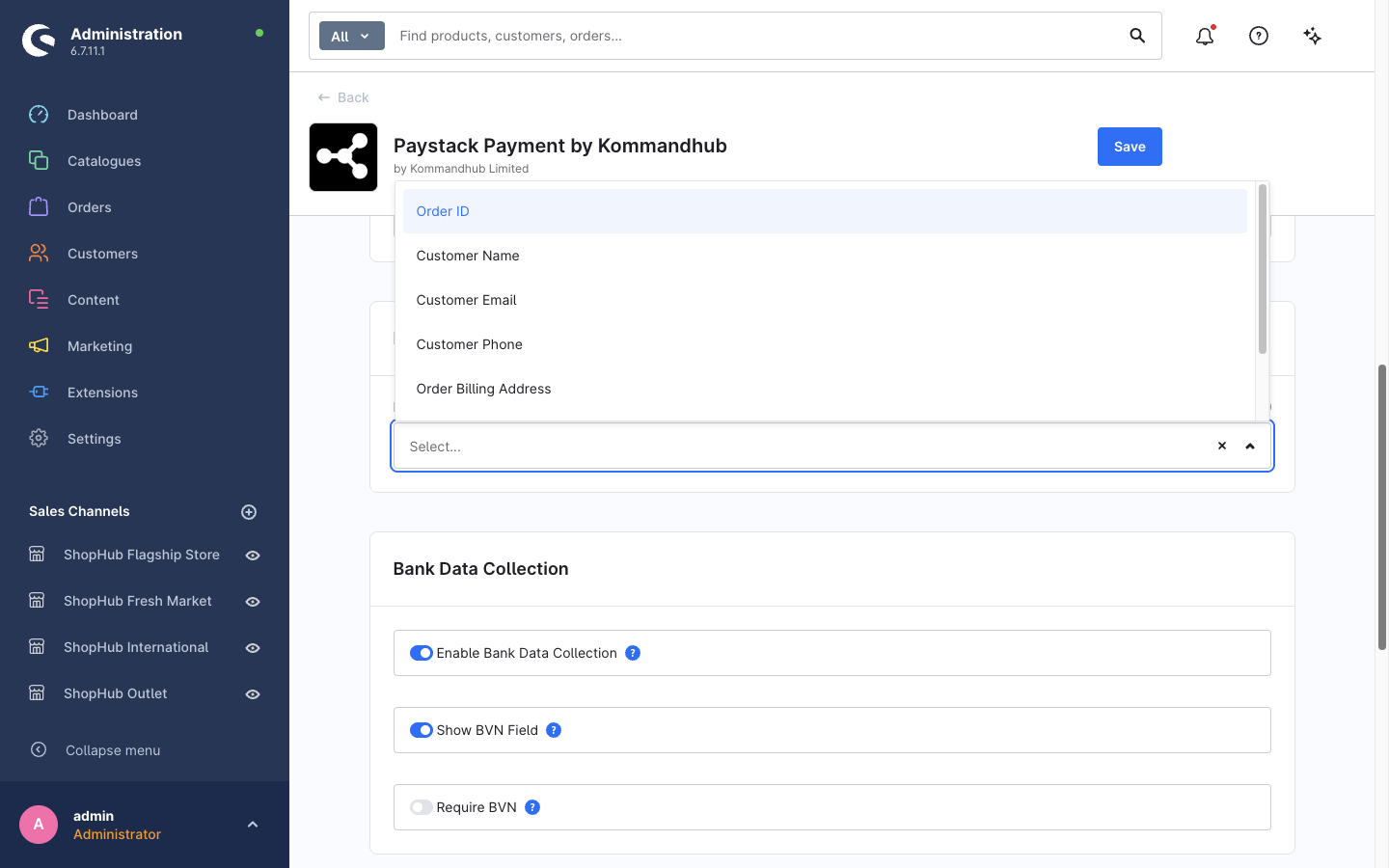
Options: Order ID (the order number), Customer Name, Customer Email, Customer Phone, Billing Address, Shipping Address, Products. Only select what you need to reconcile payments — everything selected is shared with Paystack.
Bank data collection
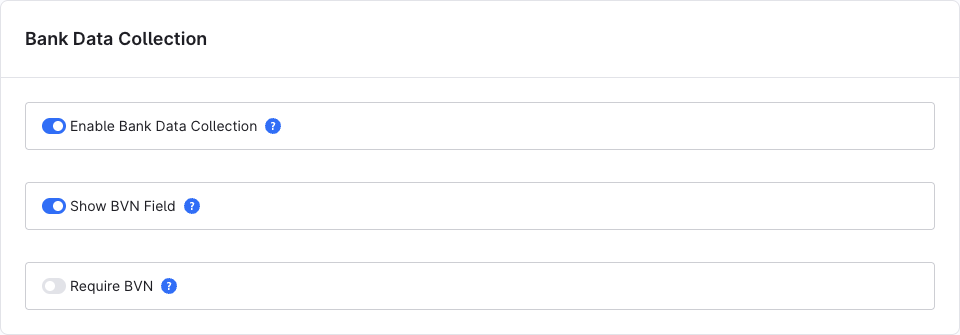
| Setting | Key | Type | Default | Description |
|---|---|---|---|---|
| Enable Bank Data Collection | collectBankData | Toggle | Off | Show a bank-account form in the customer account. |
| Show BVN Field | showBvnField | Toggle | Off | Add a BVN (Bank Verification Number) field to the form. |
| Require BVN | requireBvn | Toggle | Off | Make the BVN mandatory. Only has an effect when the field is shown. |
Refund settings
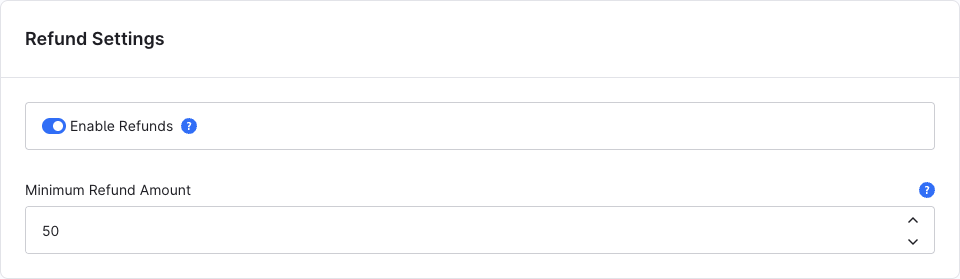
See Refunds.
| Setting | Key | Type | Default | Description |
|---|---|---|---|---|
| Enable Refunds | refundEnabled | Toggle | On | Allow refunds from the order's Paystack tab. |
| Minimum Refund Amount | minimumRefundAmount | Integer | 50 | Smallest refund allowed, in minor units of the order currency (50 = ₦0.50). Paystack requires at least 50. |
Debugging
| Setting | Key | Type | Default | Description |
|---|---|---|---|---|
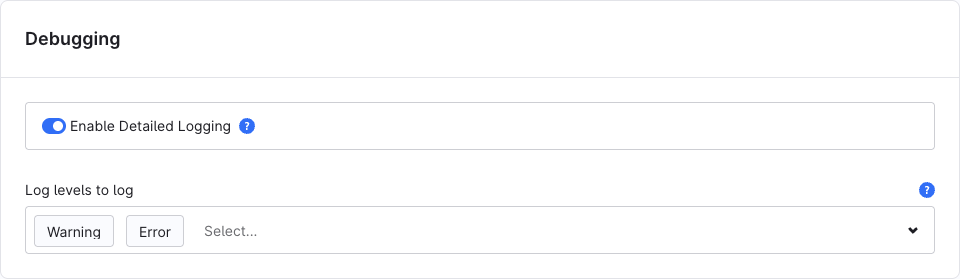
| Enable Detailed Logging | enableDebugging | Toggle | Off | Write detailed payment logs to var/log/paystack_<env>.log. |
| Log levels to log | logLevels | Multi-select | all | Restrict detailed logging to these levels. |
Errors are logged whether or not detailed logging is on. See Troubleshooting → Logs.
Turn it off again
Detailed logs can contain order and customer data. Enable them while investigating, then switch them off.
Example: set a key from the command line
bash
bin/console system:config:set KommandhubPaystackSW.config.enableSandbox true
bin/console system:config:set KommandhubPaystackSW.config.apiSecretKeySandbox "sk_test_xxxxxxxxxxxxxxxx"
Add --salesChannelId=<id> to set a value for one sales channel only.