

Appearance
Paystack Payment
Accept online payments through Paystack in your Shopware shop — card, bank transfer, USSD, QR and mobile money — and refund them from the order page.
Install · Configure · Take payments · Troubleshoot · Developer docs
| Version | 0.9.0-beta.2 · Beta |
|---|---|
| Shopware | 6.6, 6.7 |
| PHP | 8.2+ |
| Plugin name | KommandhubPaystackSW |
| Composer package | kommandhub/paystack-sw |
| Licence | Apache-2.0 |
| Get it | Packagist (Composer) or ZIP upload |
Independent integration
Developed by Kommandhub Limited. Not affiliated with, endorsed by or supported by Paystack. You need your own Paystack account; payments, fees and settlements are between you and Paystack.
What does it do?
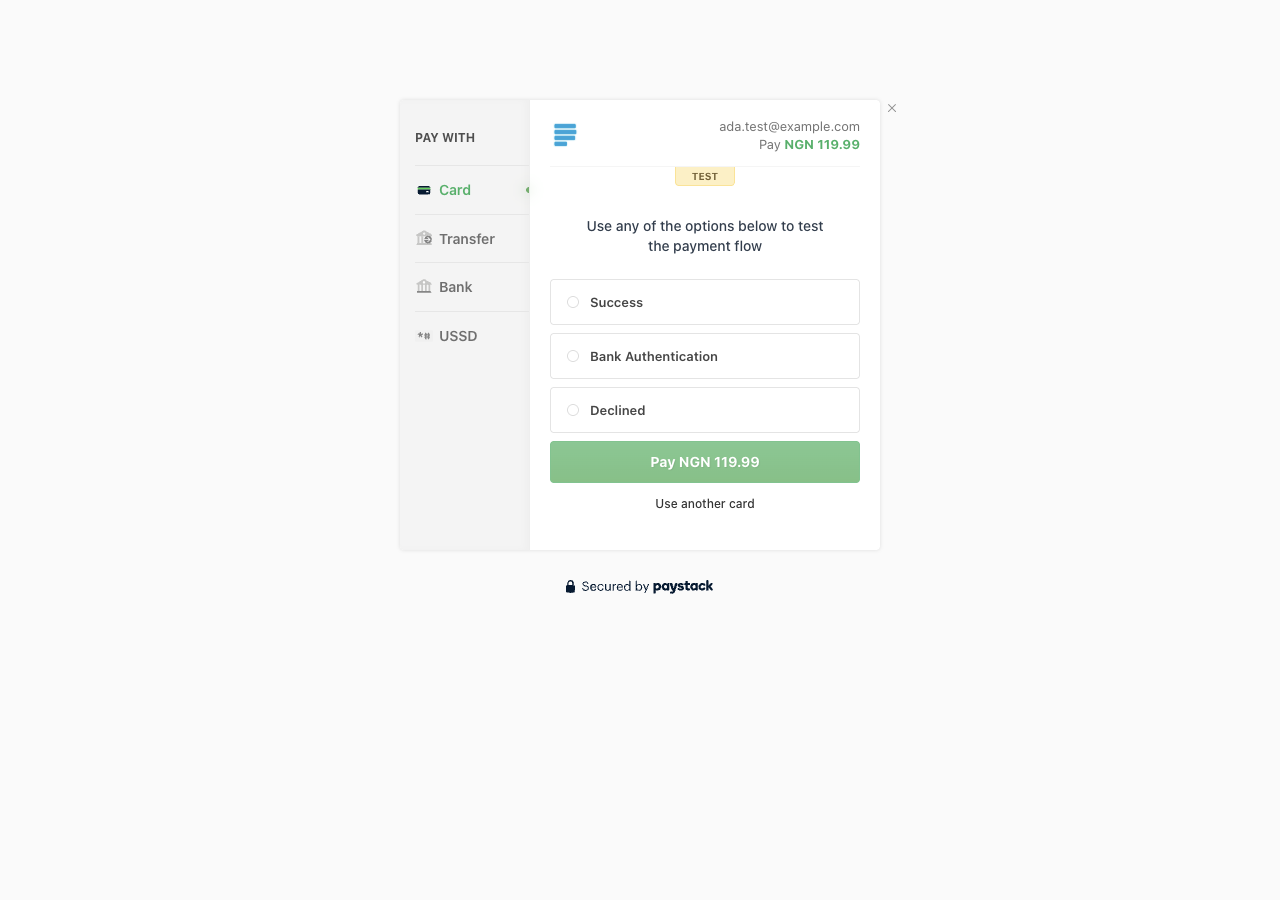
The plugin adds Pay with Paystack as a Shopware payment method. At checkout the customer is sent to Paystack's secure hosted page, pays with any channel your Paystack account offers, and returns to your shop. The order is marked paid only after the plugin has confirmed the payment with Paystack.
Who it is for: Shopware merchants with a Paystack account who sell in currencies Paystack supports.
How it fits into Shopware: it is an ordinary Shopware payment method — you assign it to sales channels, and payment status changes follow Shopware's normal order and payment states. Refunds use Shopware's own refund records, so they show up on the order like any other refund.
Key features
- Verified payments — status, amount and currency are checked against Paystack before an order is marked paid; a tampered return link cannot pay an order.
- Payments reconciled without the customer — if the customer closes the browser after paying, Paystack's webhook still marks the order paid.
- Refunds from the order page — full or partial, with a server-side limit that prevents over-refunding.
- Refund permission — a dedicated Process Paystack refunds role permission.
- Split payments — send a share to a Paystack subaccount or split group, and choose who pays the fees.
- Order details in Paystack — optionally attach order number, customer, addresses and products as transaction metadata.
- Customer bank details — optional bank-account form in the customer account, verified with Paystack.
- Correct amounts in every Paystack currency, including zero-decimal (XOF, RWF) and three-decimal (KWD).
- Test mode with a separate test key. English, German and French.
Requirements
| Shopware | 6.6 or 6.7 |
| PHP | 8.2 or newer |
| Paystack | An account with a secret key (sign up) |
| Your shop | Reachable over HTTPS on a public domain, so Paystack can deliver webhooks |
| Currency | The order currency must be enabled on your Paystack account and set up in Shopware currencies |
No message-queue worker or scheduled tasks are needed.
Quick start
composer require "kommandhub/paystack-sw:^0.9@beta", then activate — Installation.- Turn on sandbox mode and paste your Paystack test secret key — Configuration.
- Register
https://<your-shop-domain>/paystack/webhookin the Paystack dashboard. - Add Pay with Paystack to your sales channel.
- Place a test order and choose Success on Paystack's test page — the order becomes Paid (walkthrough).
Important limitations
- Webhooks are verified with the key saved on All Sales Channels; one Paystack account per installation is the supported setup.
- Which Paystack channels are offered is controlled in your Paystack dashboard, not in Shopware.
- The bank-details form accepts only 10-digit (NUBAN) account numbers.
- The plugin does not create currencies or languages and does not handle subscriptions.
All known issues: Troubleshooting → Known issues.
Documentation
For shop owners and administrators
- Installation — requirements, Composer or ZIP, activation, webhook, verification, update, uninstall
- Configuration — every setting explained
- Taking payments — a test order from cart to paid order, step by step with screenshots
- Refunds · Customer bank details
- Troubleshooting · FAQ
For developers
- Architecture & extension points — flows, services, events, data, development setup, testing
- HTTP endpoints & webhooks
- Changelog
Shopware resources
- Payment methods · Sales channels · Currencies · Orders · Users & permissions
- Developers: Payment plugins · Plugin configuration
Support
info@kommandhub.com · kommandhub.com/support. Questions about your Paystack account, fees or settlements go to Paystack.